English
 Italiano
 Українська
 Русский
 Español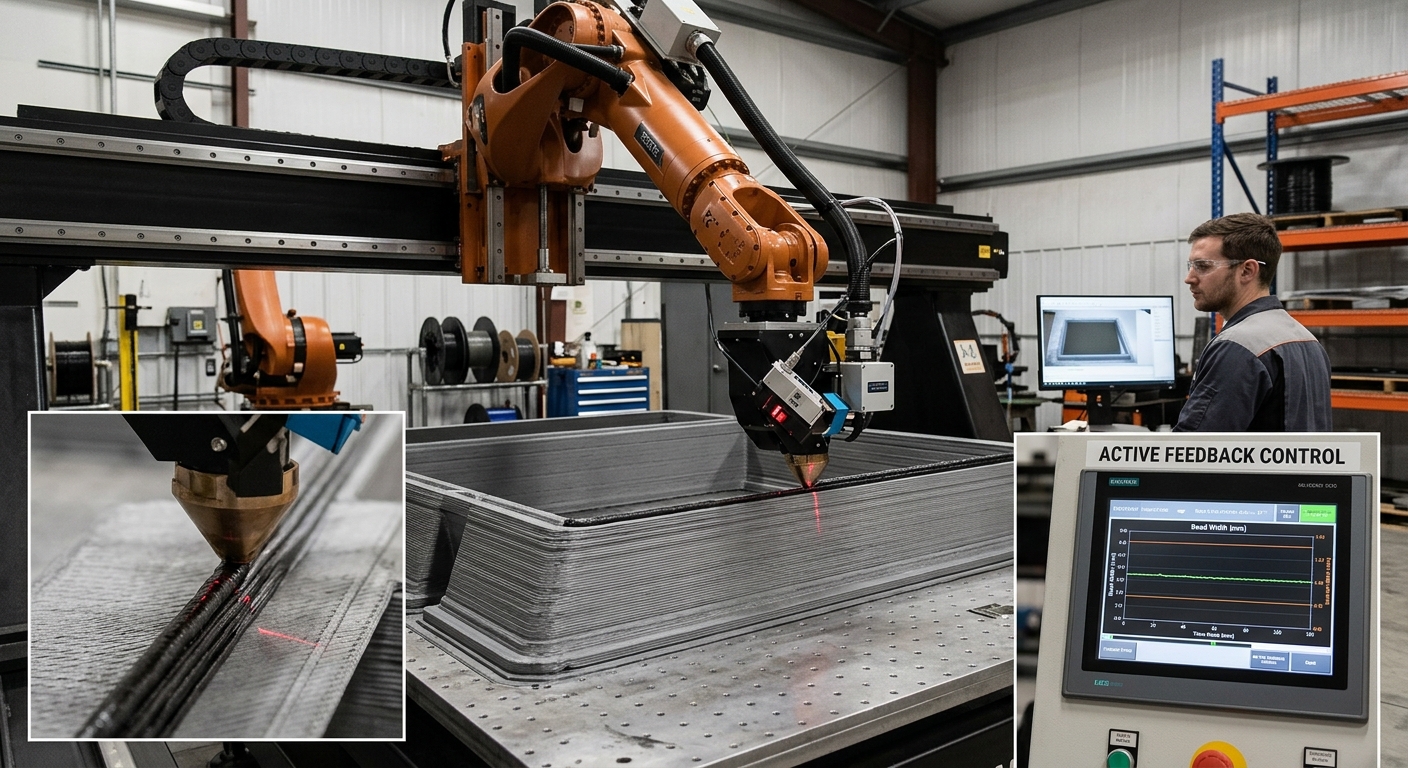

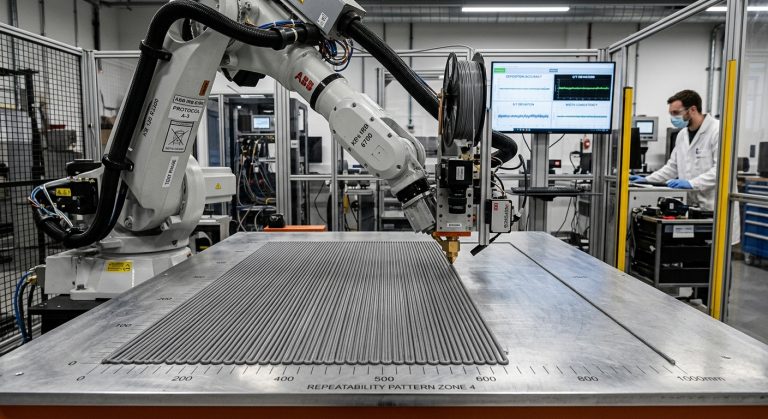
Controlling extrusion bead width and layer height requires coordinated control of material output, robot speed, nozzle position, and material condition. Bead width cannot be adjusted reliably through one parameter alone. Increasing flow may widen the bead, but the result also depends on travel speed, nozzle geometry, temperature, and the distance between the nozzle and the previous layer.
Stable extrusion bead width begins with a repeatable material supply and a known process baseline. The extrusion system must deliver material consistently while the robot maintains the programmed velocity and nozzle-to-surface relationship. If one variable changes without compensating for the others, the bead may become wider, narrower, taller, flatter, or discontinuous.
This article explains how the principal variables interact, how to establish suitable settings through controlled trials, and how to diagnose common dimensional variations. Appropriate settings depend on the material, nozzle, extruder, part geometry, environmental conditions, and required result.
What determines robotic extrusion bead width?
Bead width is the lateral dimension of a deposited material path. Its final shape develops as material leaves the nozzle, contacts the previous layer or build surface, and deforms under the nozzle’s movement and the material’s own behavior.
Material output and deposited volume
The amount of material delivered per unit of path length is a primary influence. If output rises while robot speed remains constant, more material is deposited along the same distance. The bead will generally become wider, taller, or both, depending on the available space and how easily the material deforms.
Nozzle geometry and layer spacing
Nozzle outlet dimensions provide a starting constraint, but they do not determine the finished bead alone. The nozzle’s shape, its orientation, and the programmed gap above the preceding surface affect how the extrudate is placed and compressed. The relationship between nozzle size and target bead geometry should therefore be validated with the actual material.
What determines extrusion bead width?
Layer height is the programmed vertical separation between successive paths or layers, and it directly influences extrusion bead width. When this distance is too large for the deposited material, adjacent layers may have insufficient contact. A gap can form, or the new bead may rest unevenly on the layer below.
A very small separation compresses the material more strongly. This can flatten and widen the bead or cause material to accumulate around the nozzle. Excessive compression may also disturb the preceding layer, especially if it has not developed enough stability to support the next pass.
The correct relationship is process-specific. It must provide enough contact for the intended build while avoiding excessive deformation. Tests should examine the bead after deposition and after any cooling, curing, or setting that changes its dimensions.
Establish a Repeatable Extrusion Baseline
Start with the nozzle and material system.
Before tuning robot motion, confirm that the nozzle is clean, securely installed, and appropriate for the material. Check that the feeding or pumping system produces stable output. Pulsation, trapped air, inconsistent feedstock, or changing material condition can create dimensional variation that motion adjustments cannot correct.
Material temperature and preparation should remain within the conditions defined for the selected process. For thermoplastic extrusion, temperature affects flow behavior. Cementitious, clay-based, and reactive materials have different preparation and setting requirements. Settings validated for one material cannot be transferred automatically to another.
Run a simple straight path at steady speed and record the extrusion command, actual robot speed, layer spacing, nozzle configuration, material condition, and measured bead dimensions. This becomes the reference for later changes rather than relying on visual impressions alone.
Coordinate Extrusion Rate With Robot Speed
Extrusion rate and robot velocity determine how much material is placed along each unit of travel and therefore affect extrusion bead width. If flow remains constant while the robot slows, material accumulates, and the bead becomes larger. If the robot accelerates without a corresponding change in output, the bead can narrow.
The process controller should coordinate deposition with actual motion rather than assuming the robot always moves at its programmed nominal speed. This is particularly relevant around short segments, direction changes, closely spaced points, and areas where the controller reduces speed to maintain the path.
Acceleration, corners, and start-stop behavior
At the beginning of a path, material may take time to reach stable output. At the end, residual pressure can continue pushing material through the nozzle. Start and stop commands may therefore require controlled sequencing, but the appropriate timing must be established experimentally for the extrusion equipment.
Corners also need attention. A robot may reduce velocity when changing direction, which can produce excess material if the extrusion rate stays constant. Smoother path transitions, suitable motion settings, or synchronized flow adjustment may reduce this accumulation without altering the entire program.
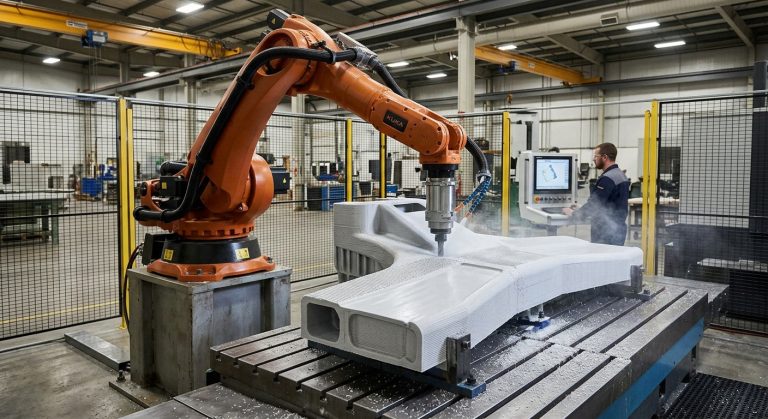
The interaction between motion and output is illustrated by the integration described in this article about FANUC and Leister robotic 3D printing, where the robot, extrusion module, and digital path operate as parts of one process.
Control Nozzle Position and Layer Height
Verify the extrusion tool center point.
The robot calculates nozzle position through its Tool Center Point, or TCP. An incorrect TCP can place the real nozzle above, below, or beside the programmed location. The resulting gap may change as the extruder rotates, making bead dimensions inconsistent even when the process settings remain unchanged.
The nozzle should be checked from several suitable orientations against a known reference. The guide to extruder TCP calibration explains how tool-definition errors can affect deposition position and why they should be separated from material-flow problems.
Base coordinates, work-object coordinates, build-platform position, and external-axis data must also be correct. Layer height programmed from an inaccurate reference does not represent the real physical distance between the nozzle and the deposited surface.
Eight Checks for Stable Bead and Layer Dimensions
Use a controlled test path to verify extrusion bead width before validating a complex part. Change one main variable at a time and document the result so that improvements can be connected to a specific adjustment.
- Measure actual output: Check whether the extrusion system delivers a repeatable quantity during a defined test under consistent material conditions.
- Inspect the nozzle: Look for obstruction, wear, damage, leakage, or looseness that can alter the outlet or material direction.
- Verify the TCP: Confirm that the stored tool definition matches the real deposition point, including when tool orientation changes.
- Confirm the physical gap: Measure the nozzle-to-surface distance rather than relying only on the programmed layer value.
- Record actual robot speed: Identify corners, short segments, or orientations where the controller reduces velocity.
- Check material condition: Keep preparation, temperature, feedstock condition, and allowable working time consistent during comparison tests.
- Measure several locations: Compare straight sections, starts, stops, corners, and layer transitions instead of measuring one convenient point.
- Document the accepted setup: Record the nozzle, tool data, material batch or preparation, motion settings, flow commands, and measured dimensions.
How to Diagnose Width and Height Variation
A consistently oversized extrusion bead width suggests that output is high relative to travel speed or that the nozzle gap is compressing the material more than intended. A consistently narrow bead can indicate insufficient output, excessive travel speed, restricted flow, or an excessive gap.
Variation confined to corners usually points toward changes in robot velocity or flow-response timing. Periodic variation along a straight path may be associated with an unstable feeding mechanism, material inconsistency, or mechanical movement in the extruder assembly.
Measure the process before correcting it.
Bead measurements should be taken at defined locations and at a consistent stage of the process. A material may change dimensions after cooling, curing, drying, or relaxing. The measurement method should therefore match the production requirement and distinguish the deposited geometry from its later condition.
Large-format parts can also accumulate small layer errors. An article on large-format 3D printing in design and architecture provides additional context for applications where deposition control must be considered across substantial geometries.
Integrate Process Control With Cell Safety
Flow tests and nozzle adjustments may expose personnel to robot motion, hot surfaces, pressurized material, moving feed equipment, or the deposited material itself. Commissioning procedures should include a risk assessment, defined operating modes, safe access controls, emergency stopping provisions, and procedures for clearing or maintaining the extrusion system.
ISO 10218-2:2025 addresses safety requirements for integrating industrial robot applications and robot cells. It does not provide bead settings, but it is relevant when designing, commissioning, operating, and maintaining the complete robotic extrusion installation.
For a project-specific review of robot reach, extrusion equipment, deposition paths, calibration, and integration requirements, teams can contact Robotic Hi-Tech Solutions. Final process parameters should be validated with the selected equipment and material under representative production conditions.
FAQ
Can extrusion bead width be controlled only by changing the extrusion rate?
No. Extrusion rate is important, but robot speed, nozzle geometry, material condition, tool orientation, and nozzle-to-surface distance also affect the finished width.
Should layer height equal the nozzle outlet height?
Not necessarily. The appropriate layer height depends on the nozzle, target bead geometry, material behavior, required layer contact, and process strategy. It should be established through controlled tests.
Why does the bead become wider at corners?
The robot may slow while changing direction. If material output does not decrease accordingly, more material is deposited per unit of path length.
Why does bead width change during a straight path?
Possible causes include unstable material feed, temperature variation, nozzle restriction, inconsistent robot speed, changing material condition, or movement in the extrusion assembly.
Can TCP calibration correct an inconsistent extrusion rate?
No. TCP calibration corrects the geometric definition of the tool. It cannot correct pulsating flow, material inconsistency, temperature problems, or feeder instability.
When should bead width be measured?
Measure it at a defined and repeatable stage. For materials that cool, dry, cure, or relax, both initial and final dimensions may be relevant.
Does constant programmed speed guarantee a uniform bead?
No. The controller may reduce actual speed because of acceleration limits, corners, path geometry, singularity avoidance, or other motion constraints.
What should be tested before printing a full part?
Test straight paths, corners, starts, stops, layer transitions, and any required tool-orientation changes. Record the settings and measure several locations before accepting the process.