English
 Italiano
 Українська
 Русский
 Español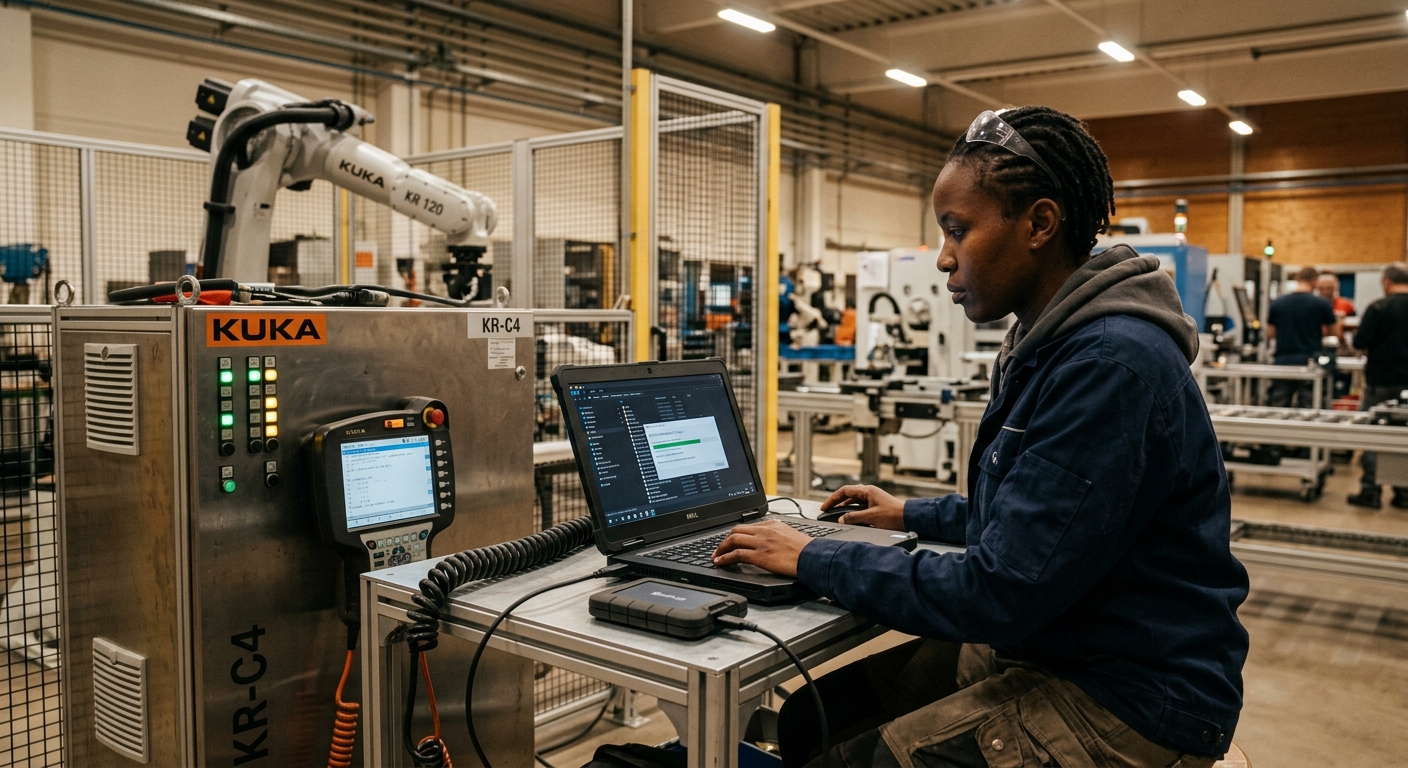

Robot backups should be created, identified, checked, and stored outside the controller before controller replacement, software upgrades, or hardware changes begin. Preserve the current operating configuration and confirm how it can be restored to the intended equipment. A saved program alone should not be treated as a complete recovery package.
The required files depend on the robot manufacturer, controller generation, installed software, and application. Configuration, tool definitions, coordinate frames, calibration records, and connected equipment may require attention alongside motion programs. Before authorizing the work, establish which information the selected backup method includes, which information needs separate preservation, and who will perform recovery if the change fails.
This article explains how to prepare a usable recovery package, record compatibility requirements, protect the original files, and organize checks after restoration. It also distinguishes restoring software from confirming that the physical cell remains correctly configured. The practical aim is to give maintenance and engineering teams an identifiable starting point, a documented recovery procedure, and clear acceptance criteria before equipment is altered.
What should robot backups contain?
Programs and configuration
Create robot backups using the manufacturer’s procedure for the installed controller. Check its documented scope rather than assuming that an export of motion programs also contains system parameters, communication settings, application data, or the information needed to rebuild the system.
For example, ABB’s RobotStudio operating manual describes system backups containing programs, configuration, calibration data, and information about installed software options. It also identifies exceptions for particular equipment. Treat this as platform-specific guidance, not a universal definition of backup completeness.
Related cell equipment
Identify compatible releases of the programmable logic controller (PLC), vision system, process equipment, and external axes where relevant. The guide to industrial robot data architecture provides context for documenting these relationships across a production cell.
When should the pre-change copy be created?
Create robot backups after documenting the current state and before making modifications. Schedule backup activity under the conditions specified by the manufacturer; do not assume every controller permits it during critical production movements.
Pause unrelated editing during capture. If someone changes a tool definition or recovery routine afterward, record the modification and create another identified copy before proceeding.
Preserve an earlier accepted production release separately when the current controller contains troubleshooting edits. Label each state clearly so recovery personnel understand whether they are restoring an approved configuration or an unresolved fault condition.
How should files be identified and stored?
Give each package an identity.
Record the cell identifier, robot and controller serial numbers, software version, capture time, author, and change reference. Include the reason for the backup and its approval status in an accompanying record.
A backup captures a state; approval records explain whether that state is suitable for production. The article on robot program version control explains how to connect archived files with controlled releases.
Keep unchanged robot backups outside the controller and preserve a separately protected copy. Restrict editing permissions, confirm maintenance personnel can retrieve the files, and avoid depending on a single USB drive kept inside the cabinet.
What compatibility checks come before replacement?
Check the intended destination
Before transferring robot backups, compare the replacement controller, installed software, robot variant, drive arrangement, and required options with the original system. Confirm the supported recovery or migration procedure with the manufacturer’s documentation.
Preserve access to required installation media, engineering tools, and license information where applicable. A backup may record the installed options without supplying everything necessary to install them on replacement equipment.
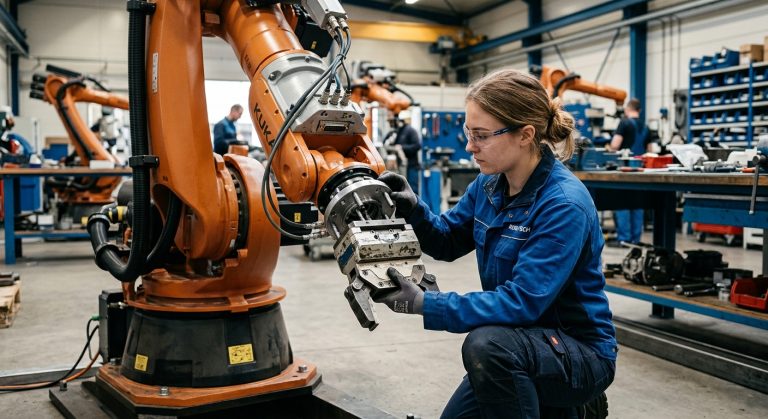
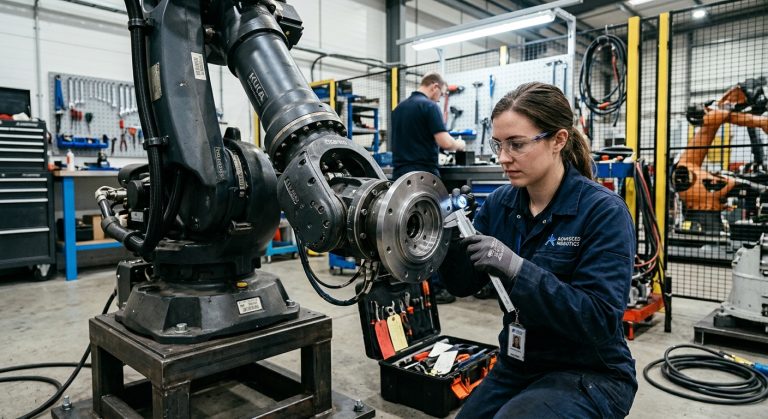
For hardware changes, determine which settings remain valid and which require adjustment or recalibration. Replacing a tool, motor, feedback device, or mechanical assembly should trigger a review of the relevant manufacturer procedure.
Eight checks before changes begin
Use this checklist to review robot backups and the associated recovery plan before releasing the equipment for modification.
- Match the archive to the robot, controller, and cell identifiers.
- Record the software version and installed options required for recovery.
- Confirm programs, dependent routines, and configuration files are covered.
- Preserve calibration records and identify checks required after component replacement.
- Identify compatible PLC, vision, and process-equipment releases.
- Check backup completion messages and retrieve the stored copy.
- Assign the recovery owner and document the supported restoration sequence.
- Define rollback conditions and production acceptance checks before starting work.
How can backup usability be checked?
Check robot backups by reviewing completion messages and verifying that the expected archive or folder structure exists. Confirm that the protected copy is readable. Where supported, compare file hashes after transfer to detect unintended changes.
A matching hash confirms file equality, not completeness or controller compatibility. Likewise, opening an archive does not demonstrate that the robot can be restored successfully.
Where practical, test recovery on a compatible spare controller or supported virtual environment. Document what the test covers. A virtual test cannot establish physical calibration, field wiring, or the behavior of every connected device.
What must be verified after restoration?
Check configuration before motion.
Review restored tool data, coordinate frames, payload settings, communications, and calibration status against the actual installation. The discussion of TCP calibration errors in robotic machining explains why tool-definition errors can affect positioning.
Verify safety functions and interfaces using the applicable commissioning procedure. OSHA’s industrial robot safety guidance addresses maintenance procedures, hazardous energy, and validation. Completing a file restore does not establish that the cell is safe to operate.
How should the change be closed?
After the required functional and production checks pass, create new robot backups as the accepted baseline. Retain the pre-change archive with the modification record and document any limits on returning to the previous hardware or software configuration.
For a planned controller or hardware change, contact Robotic Hi-Tech Solutions to discuss the recovery scope and integration checks for the cell.
FAQ
Is a program export enough?
Only if its documented scope meets the recovery requirement. Check whether configuration, dependent files, and system-rebuilding information must be preserved separately.
Can robot backups be restored to another controller?
Only through a supported procedure. Confirm hardware, software, robot, and option compatibility before attempting transfer.
Should calibration data be preserved?
Yes, where available and applicable. Preserved values still require review when hardware changes affect the physical reference.
Should safety configuration be backed up separately?
Check the platform’s documentation. Identify any separate safety export, access requirement, or validation record needed for recovery.
Can an old backup replace a fresh one?
It may omit later approved changes. Compare it with the current configuration and document differences before relying on it.
What if the controller is already faulty?
Preserve accessible data and label the fault condition. Keep earlier accepted copies, and seek manufacturer guidance before resets or destructive recovery steps.
How long should previous copies be retained?
Set retention according to recovery needs and plant change-control procedures. Preserve relevant baselines while equipment or software dependencies remain in service.
Does restoring files reverse a hardware modification?
No. Rollback may require reinstalling compatible components and repeating calibration and validation before production resumes.